
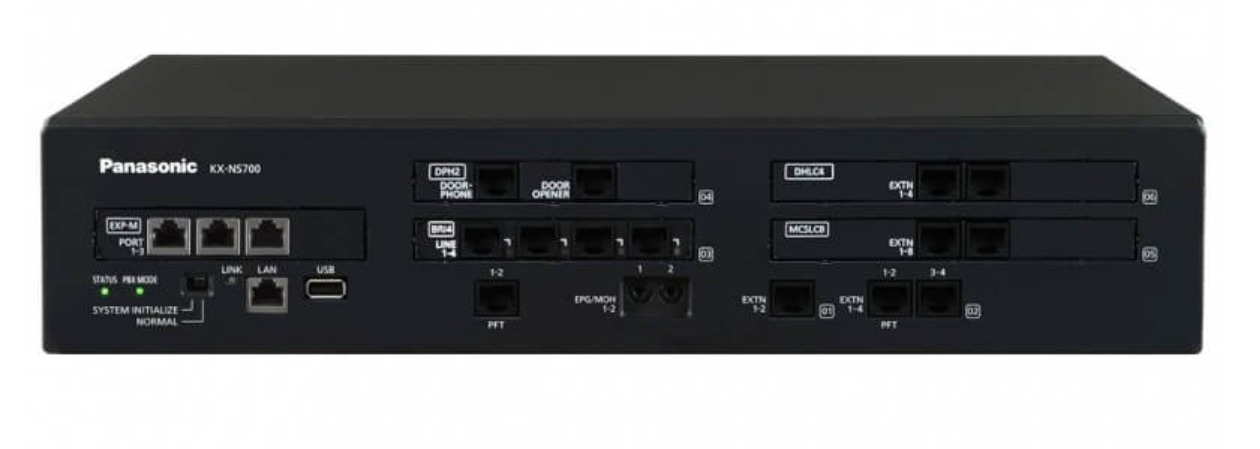
✅ 1. Access the NS700 Web Console
- Open a browser and enter the PBX IP address.
- Log in with Installer credentials.
✅ 2. Enable SIP Trunking
- Navigate to:
Configuration → Slot → Virtual → SIP Trunk - Assign a SIP trunk card (e.g., V-SIPGW16).
✅ 3. Configure SIP Trunk Settings
- Go to:
Configuration → CO & Incoming → SIP Trunk → Channel - Enter details provided by your SIP provider (Voice Host):
- SIP Server Address: (Voice Host domain or IP)
- Port: Usually
5060(UDP/TCP) - Authentication ID / Username
- Password
- Domain: Same as SIP server or as per provider instructions.
✅ 4. Codec Settings
- Navigate to:
Configuration → System → IP → Codec - Common codecs:
- G.711a / G.711u (for high quality)
- G.729 (for bandwidth saving)
✅ 5. Register the Trunk
- Ensure SIP Registration is enabled.
- Check Status under:
Maintenance → SIP Trunk → Registration Status
It should show Registered.
✅ 6. Routing & Dial Plan
- Set up Outgoing Call Routing:
- Configuration → ARS → Route
- Assign SIP trunk to desired route.
- Configure Incoming DID:
- CO & Incoming → DID Table
Map numbers to extensions or groups.
- CO & Incoming → DID Table
✅ 7. Firewall & NAT
- If behind NAT, enable NAT Traversal and set Public IP in: Configuration → System → IP Settings.
- Allow SIP ports (5060) and RTP range in your firewall.
✅ 8. Test Calls
- Make an outbound call and verify audio both ways.
- Check Maintenance → Call Log for troubleshooting.